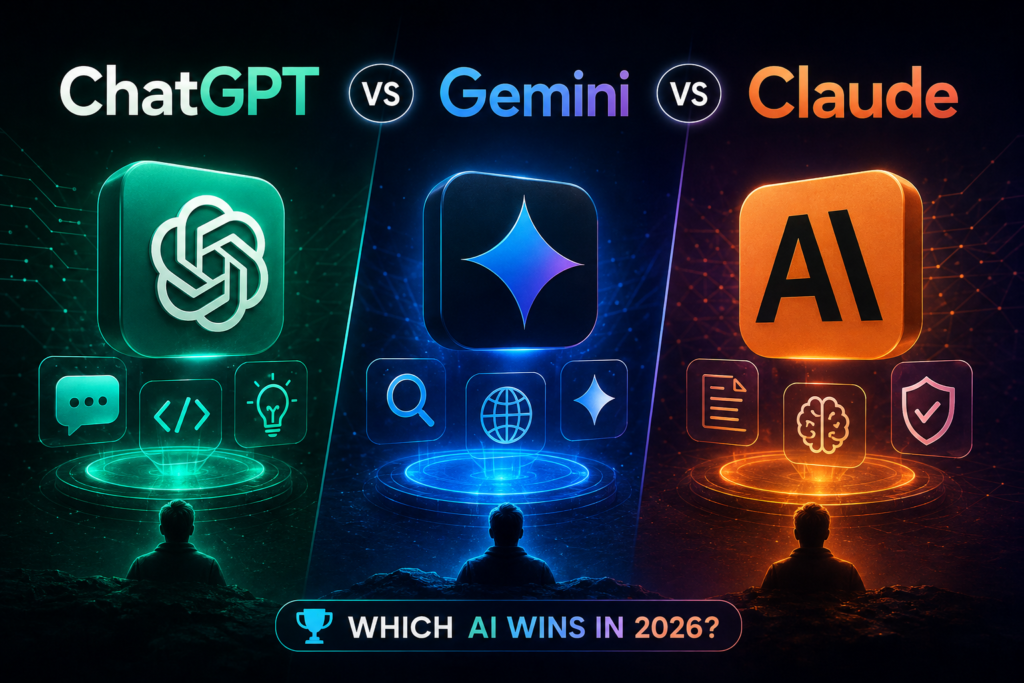
If you have ever planned to type “ChatGPT vs Gemini vs Claude” in your Google Search Bar? Then you are probably looking for the best AI tool in 2026.
Whether you are a student, a working professional, a digital marketer, a content writer, a developer, or a business owner, AI is playing a crucial role in our digital life.
AI has completely changed our way of thinking, working, learning, writing, coding, or even searching for any basic information. We prefer AI more than a Google search bar nowadays.
Though in 2026, there are around 150+ AI assistants, three of them are actually ruling the AI chatbot industry.
1. ChatGPT (OpenAI)
2. Gemini (Google search)
3. Claude (Anthropic)
Each offers unique capabilities and excels in its respective area. Though all of them can write, draft emails, generate code, and chat with you about anything. But they are still not identical. Each has a different personality, pricing model, and strengths depending on whether you’re coding, writing, researching, or just chatting.
ChatGPT vs Gemini vs Claude — Side-by-Side Comparison Table
| Feature | ChatGPT (OpenAI) | Gemini (Google) | Claude (Anthropic) |
| Latest flagship model | GPT-5.6 Sol | Gemini 3.1 Pro / Gemini 3.5 Flash | Claude Opus 4.8 / Fable 5 |
| Default-free model | GPT-5.5 Instant | Gemini 3.5 Flash | Claude Sonnet 5 |
| Context window | Large (varies by model) | Up to 1 million tokens | 200K–1M tokens depending on model |
| Free plan available | Yes | Yes | Yes |
| Entry paid plan | ChatGPT Plus | Google AI Pro | Claude Pro ($20/month) |
| Top-tier plan | ChatGPT Pro | Google AI Ultra | Claude Max ($100–$200/month) |
| Strongest at | Broad ecosystem, coding, agents (Codex) | Search integration, multimodal generation, Workspace tools | Long-document analysis, coding accuracy, careful writing |
| Native integrations | ChatGPT apps, Custom GPTs | Gmail, Docs, Search, Chrome, Android | Claude Code, Claude Cowork, Excel/PowerPoint agents |
| Image/video generation | Yes (built-in image tools) | Yes (Nano Banana image tools, Gemini Omni for video) | Limited (text and document-focused) |
Note: AI pricing, model names, and benchmarks change frequently. Always check the official OpenAI, Google, and Anthropic pricing pages for the latest numbers.
What is ChatGPT?
ChatGPT – OpenAI is a conversational model first launched in November 2022 that interacts with people via chat. It basically answers the follow-up questions, admits and corrects its mistakes, and inappropriate requests. In 2026, the ChatGPT lineup runs on the GPT-5 family of models. GPT-5.5 Instant is the everyday default for chat, while GPT-5.6 Sol — released as OpenAI’s new frontier model — handles the toughest reasoning, coding, and agentic tasks for eligible paid plans. ChatGPT is known for its huge plugin and app ecosystem, image generation, voice mode, and broad consumer name recognition. It can easily create and edit the documents, slide decks, spreadsheets, charts, PDFs, images, and many other deliverables via the tools and contexts that you are already using.
What is Gemini?
Gemini is Google’s AI model family, deeply woven into Google Search, Gmail, Docs, Chrome, and Android. The current lineup includes Gemini 3.1 Pro (Google’s flagship reasoning model) and Gemini 3.5 Flash, a faster model built for agentic and coding workloads. Google also previewed Gemini Omni, a multimodal model designed to generate video, image, and text from a single prompt. Gemini’s biggest advantage is how tightly it’s integrated into tools people already use every day.
What is Claude?
Claude is Anthropic’s AI assistant, built with a strong emphasis on safety, careful reasoning, and long-context understanding. The current lineup includes Claude Haiku 4.5 (fast and affordable), Claude Sonnet 5 (the balanced everyday model, now the default even on the Free plan), and Claude Opus 4.8 (the top reasoning model for complex tasks). Above Opus sits Anthropic’s new Mythos tier, including Claude Fable 5, aimed at the most demanding reasoning and long-document work. Claude is especially popular with developers, researchers, and writers who work with very long documents.
Pricing Comparison — ChatGPT vs Gemini vs Claude
| Plan Tier | ChatGPT | Gemini (Google AI) | Claude |
| Free | Yes, limited access to base models | Yes, includes Gemini 3.5 Flash | Yes, includes Claude Sonnet 5 |
| Entry paid | ChatGPT Plus (~$20/month) | Google AI Pro (~$20/month) | Claude Pro ($20/month, ~$17/month annually) |
| Power-user tier | ChatGPT Pro (higher usage + top models) | Google AI Ultra (higher usage + Cloud credits) | Claude Max 5x ($100/month) or Max 20x ($200/month) |
| Business | ChatGPT Business/Enterprise | Google Workspace + Gemini Enterprise | Claude Team ($25–$125/seat) and Enterprise |
Note: All three companies price their entry-level paid tier around $20/month, but usage limits, included models, and extra perks (like cloud credits or Codex access) differ so the “best value” plan depends on how heavily you use the tool.
Which AI Tool Should You Choose?
Still confused!!! Which tool should you choose?
Choose ChatGPT if you
- Want the broadest ecosystem of third-party apps, plugins, and custom GPTs
- Rely on agentic coding tools like Codex
- Want strong image generation and voice conversation built in
Choose Gemini if you
- Live inside Gmail, Google Docs, Sheets, and Chrome daily
- Want an assistant that can act directly on your existing files and inbox
- Care about combined text, image, and video generation in one tool
Choose Claude if you
- Work with long documents, contracts, or large codebases
- Want more careful, lower-hallucination writing and coding
- Use developer tools like Claude Code or need an agent for spreadsheet/document-heavy workflows via Claude Cowork
Frequently Asked Questions
Q1: Which is better, ChatGPT, Gemini, or Claude?
There’s no universal winner. ChatGPT has the broadest ecosystem, Gemini has the deepest Google integration, and Claude is favored for long-document work and careful, lower-error writing and coding. The right choice depends on your workflow.
Q2: Is Claude better than ChatGPT for coding?
Many developers find Claude produces more reliable code with fewer hallucinated functions, especially in large codebases, while ChatGPT’s Codex-based models are strong for fast, agentic coding tasks. Testing both on your own codebase is the best way to decide.
Q3: Is Gemini AI better than ChatGPT for everyday use?
If you already use Gmail, Google Docs, and Chrome, Gemini’s native integration can make everyday tasks faster since it can act directly on your files and inbox. If you want a more flexible, platform-independent assistant, ChatGPT may fit better.
Q4: Which AI chatbot has the largest context window in 2026? Google Gemini and Anthropic Claude both offer models with very large context windows (up to roughly 1 million tokens), which is useful for analyzing lengthy documents, codebases, or reports in a single conversation.
Q5: Are ChatGPT, Gemini, and Claude free to use?
Yes, all three offer free tiers with usage limits. Paid plans (ChatGPT Plus, Google AI Pro, Claude Pro) unlock higher usage limits and access to more advanced models, typically starting around $20/month.
Q6: Which AI assistant is safest or most cautious?
Anthropic has built Claude around a strong safety and alignment framework from the outset, and it’s often noted for being more conservative in sensitive or ambiguous situations. OpenAI and Google have also invested heavily in safety tooling for ChatGPT and Gemini, so all three continue to evolve their safeguards.
Q7: Can I use more than one AI chatbot at once?
Yes. Many professionals use different tools for different tasks — for example, Gemini for Google Workspace tasks, ChatGPT for general brainstorming and image generation, and Claude for long-document analysis or coding. There’s no rule against using all three.
Conclusion
The “ChatGPT vs Gemini vs Claude” question doesn’t have one right answer is it comes down to fit. ChatGPT remains the most widely recognized AI chatbot with the largest ecosystem of apps and plugins. Gemini is the strongest choice if your work already lives inside Gmail, Docs, and Chrome. Claude stands out for long-document work, coding accuracy, and careful, measured writing.
Rather than picking a single “winner,” the smartest approach in 2026 is to match the tool to the task and since all three offer solid free tiers, it costs nothing to try each one and see which fits your workflow best.
