

Imagine, after a solid research you finally wrote your first draft, and you are just a one click away from hitting that publish button. But all of a sudden you realise, a good research draft alone doesn’t rank. Search engines also need clear cut signals, like, the right keywords in the right place, clean structure, fast-loading pages, and a handful of technical details which most of the writers skip completely. On-page SEO plays a crucial role in helping search engines understand, evaluate, and rank your content.
This checklist guides you through the 15 on-page SEO fixes that are vital for every post, whether you’re publishing your first blog or hundredth. Skip the jargon-filled theory and guesswork; here are the nuts-and-bolts tests that decide if a post is ranked or buried on page 4.
Let’s understand
Why On-Page SEO Is Still Important in 2026
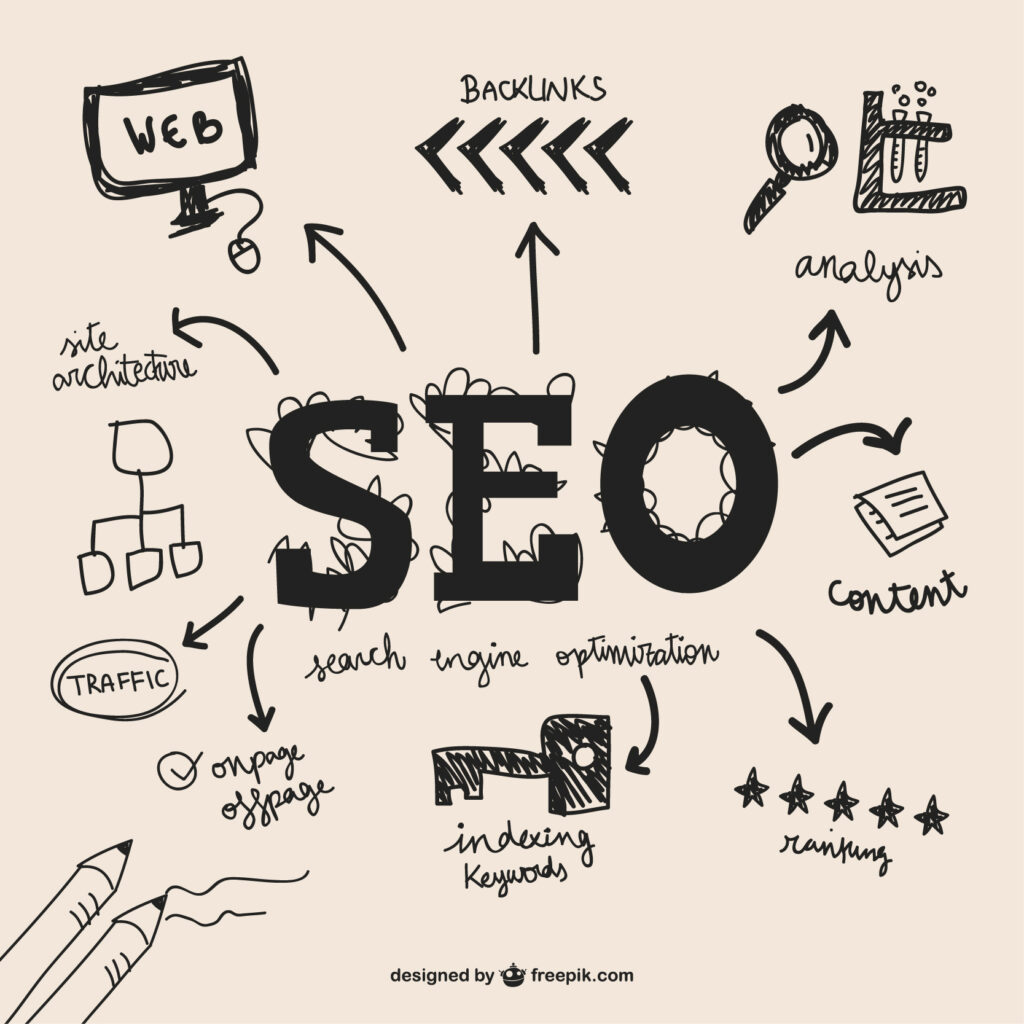
There have been significant changes to the search landscape including the rise of AI summaries, zero-click results, and evolving algorithms. But the fundamentals of on-page SEO have not changed. Google (and AI search tools like ChatGPT Search and Perplexity to a greater extent) still needs to know what your page is about, who your page is for and why it should rank higher than the competition.
On-page SEO is the part of the process that you have full control over. You can’t control your page speed, keyword placement, title tag, or headers, but you can control your competitors’ backlink profiles or algorithm updates. This is why one of the best things you can do before you publish is to use this checklist.
15 On-Page SEO Best Practices for Every Web Page
| Checklist | What to Do | Quick Example | |
| 1 | Primary Keyword | Choose one main keyword. | On-page SEO checklist |
| 2 | Secondary Keywords | Add related & long-tail keywords naturally. | on-page SEO tips, SEO checklist for blogs |
| 3 | Title Tag | Include the main keyword in a clickable title. | On-Page SEO Checklist: 15 Things to Fix |
| 4 | Meta Description | Write a short, compelling page summary. | Follow this 15-point SEO checklist before publishing. |
| 5 | URL Slug | Keep it short and descriptive. | ✅ /on-page-seo-checklist |
| 6 | Headings | Use H1, H2 and H3 logically. | H1: SEO Checklist → H2: Keywords |
| 7 | Keyword Placement | Use the primary keyword naturally early in the content. | This on-page SEO checklist covers… |
| 8 | Keyword Stuffing | Avoid repeating keywords unnaturally. | ❌ SEO checklist, SEO tips, SEO checklist… |
| 9 | Internal Links | Link to relevant pages on your website. | Read our Technical SEO Guide |
| 10 | External Links | Link to trustworthy sources when needed. | Link to Google Search Central |
| 11 | Image SEO | Compress images and add descriptive alt text. | seo-checklist.jpg + SEO checklist graphic |
| 12 | Page Speed | Optimize images, scripts and loading time. | Check with PageSpeed Insights |
| 13 | Mobile SEO | Make the page easy to use on phones. | Readable text + clickable buttons |
| 14 | Schema Markup | Add relevant structured data. | Article / Product / FAQ schema |
| 15 | E-E-A-T & Proofread | Check expertise, accuracy, sources and errors. | Add author bio + credible sources |
15 Page On-Page SEO Checklist
1. Target One Primary Keyword Per Page
Each page of your website should have atleast one yet clear primary keyword which matches with what you are willing to rank for. If you’re trying to rank one page for five different keywords that are unrelated, then the relevance signal is diluted and the search engines don’t know what the page is really about.
Choose a primary keyword based on what the true search intent is like, informational, navigational, commercial or transactional. Optimize the page to answer that query.
2. Research Secondary and Long-Tail Keywords
Once you have your main keyword, generate a list of secondary keywords (related phrases with a moderate volume) and long-tail keywords (longer, more specific phrases with a lower volume but a higher intent match). They are organically integrated into the body copy and subheadings; never imposed.
Use tools like Ahrefs, SEMrush or Google Keyword Planner. But don’t get too hung up on the exact volume numbers. A keyword with a great intent match that receives little search volume will often outperform a high volume, low-intent keyword.
3. Optimize Your Title Tag
Your title tag is the first thing that appears in search results and is one of the most powerful on-page ranking signals. Make sure it is actually clickable, not just keyword stuffed and keep the length of 50-60 characters, put your primary keyword in the beginning to avoid truncation.
For example: 15 Things to Do Before You Publish: On-Page SEO Checklist
4. Write a Compelling Meta Description
Meta descriptions never boost your blog’s or website’s ranking directly, but they play a crucial role which helps in boosting your page’s ranking. Such as, they highly influence click-through rate which does matter. Always keep your Meta description within 160 characters, wherein, include your primary keywords, and if possible to add a CTA (Call-to-action).
5. Make Use of Clear URL Slugs.
The short and the easy to understand URLS get much easier for the search engines to manage. Always, try to remove the unrequired filler words, and always add your main keyword.
Good: /on-page-seo-checklist
Avoid: /blog/post-id-284756/on-page-seo-checklist-2026-updated-version
6. Structure Content with Proper Headers
Always organize the structure of your content properly with H1, H2, and H3. Wherein, only one H1 is required per page as H1 means the main heading of your content that is the title of your page. As it helps the readers to scan and understand the content easily. Also, AI search tools pull answers for summaries and featured snippets.
7. Use Primary Keyword in the First 100 Words
Primary Keyword plays a crucial role in ranking in search engines. As search engines generally gives extra weight to keywords which appear early in the content. Always, work along with your primary keyword in the first paragraph of the content without making it sound forcefully added. But if it sounds awkward then rewrite the sentence and make it sound perfectly natural.
8. Keyword Density
Make your content sound natural, keep the keyword density of 1%-2%. If the keywords are stuffed unnecessarily, and keywords feel repetitive when you read the content out loud, it’s too dense. Try to prioritize the natural language and synonyms, as the modern search algorithms of 2026 are very quick at spotting the unnecessarily keyword stuffing.
9. Internal Linking to Relevant Pages
When you do internally link the pages of the relevant pages of your website, it helps to distribute authority across your own site and keeps readers engage for longer period. Around 2-4 relevant internal links or pages using the descriptive anchor text (not “click here”), and ensure every page of your website is easily reachable.
10. Add External Links
Linking to credible and high-authority sources shows that your content is well-researched and trustworthy. It also sends a positive trust signal to both readers and search engines.
11. Optimize Images
For a good response every image on your website/page/blog should have descriptive alt text, along with a readable file name and should be compressed while uploading so it won’t slow down your page. One of the most common page speed killers are the large and unoptimized images.
12. Page Speed Matters.
One of common reason to lose ranking and readers is the slow page speed. Compress images, minimize unnecessary scripts, use caching, and test your page with a tool like Page speed Insights. Even small improvements here compound across your entire site’s visibility.
13. Mobile Friendly Pages
Ensure your website/pages are mobile friendly as well. As the majority of global traffic now comes from mobile devices. Always check the following – readable texts, and the clickable buttons.
14. Schema Mark-up
The structured data on your website is the schema mark-up like, Article, content, FAQs, or How-to-Schema. With this the search engines easily understands your content more precisely and unlock the rich results.
However, its not a mandatory for each and every post but it’s a add-on for checklist or educational content.
15. E-E-A-T Signals and Proofread
Before publishing, review your content from a first-time reader’s perspective to ensure it is clear, easy to follow, and demonstrates genuine expertise. Also, verify that all important claims are supported by credible and trustworthy sources.
Understanding E-E-A-T
E-E-A-T stands for Experience, Expertise, Authoritativeness, and Trustworthiness, and it’s become one of the most important underlying factors in how Google (and increasingly, AI-powered search) evaluates content quality — especially as the web fills up with AI-generated content that all sounds the same.
Here’s how to build each element into your posts:
- Experience: Write from genuine, first-hand knowledge where possible. If you’ve actually implemented an on-page SEO checklist yourself, say so, and share what happened.
- Expertise: Demonstrate real understanding of the topic — accurate terminology, correct explanations, and depth that goes beyond a surface-level summary.
- Authoritativeness: Back up claims with credible sources, and build a body of consistent, high-quality content over time so your site becomes a recognized reference point in its niche.
- Trustworthiness: Be transparent, accurate, and honest. Cite sources correctly, avoid overselling results, and keep your content updated as SEO practices evolve.
For a solo blogger or small site, E-E-A-T isn’t about having a huge team or decades of credentials — it’s about writing content that’s genuinely useful, accurate, and honestly presented. That consistency is what search engines (and readers) reward over time.
FAQs
- Can a site rank without backlines if on-page SEO is strong?
If the competition is low, long-tail keywords are used properly on the new sites, then it’s possible to rank a website without backlinks. But, backlinks play a crucial role along with the on-page optimization. - How often should we update a blog content for SEO?
In every 6-12 months, it’s better to review your top-performing blog posts. - What should be the word count of a blog?There is no fixed word count which will guarantee you organically rank on search engines. As per the search intent a quick answer query might require upto 600 words and a detailed comprehensive guides need 2000+ words.
- Do, I need to write every keyword exactly as written?
No, search engines easily understand the phrases, synonyms, and natural variations. Make it sound more natural in order to avoid the keyword stuffing penalties. Let, your content boost organically.
Conclusion
As we understood On-Page SEO is all about creating a clear, easy to understand and informative content, and not just the one chasing the perfect score. Try to go through this 15 point On-Page Checklist before hitting on that publish button just to avoid the common mistakes which can affect your ranking. Start with the strong primary keyword at the very beginning of your content, move forward with the good detailed content structure i.e, H1, H2, H3 and then focus on the technical SEO details. At last, give a final check, and review your content for E-E-A-T and overall content quality.
